Dashboard Overview
The Skywalk API Dashboard is your central hub for managing projects, API keys, endpoints, and integrations. This guide walks through each section of the Dashboard.
Before a project has access to the full dashboard, you must schedule a call with a member of our team to activate your account.
Projects
The Projects page shows all of your Skywalk API projects. Each project represents a connection to an AppFolio® database.
From here you can:
- View connection status — see whether each project is connected and active
- Create new projects — add additional AppFolio® database connections
- Access project settings — configure individual project details
Project Detail
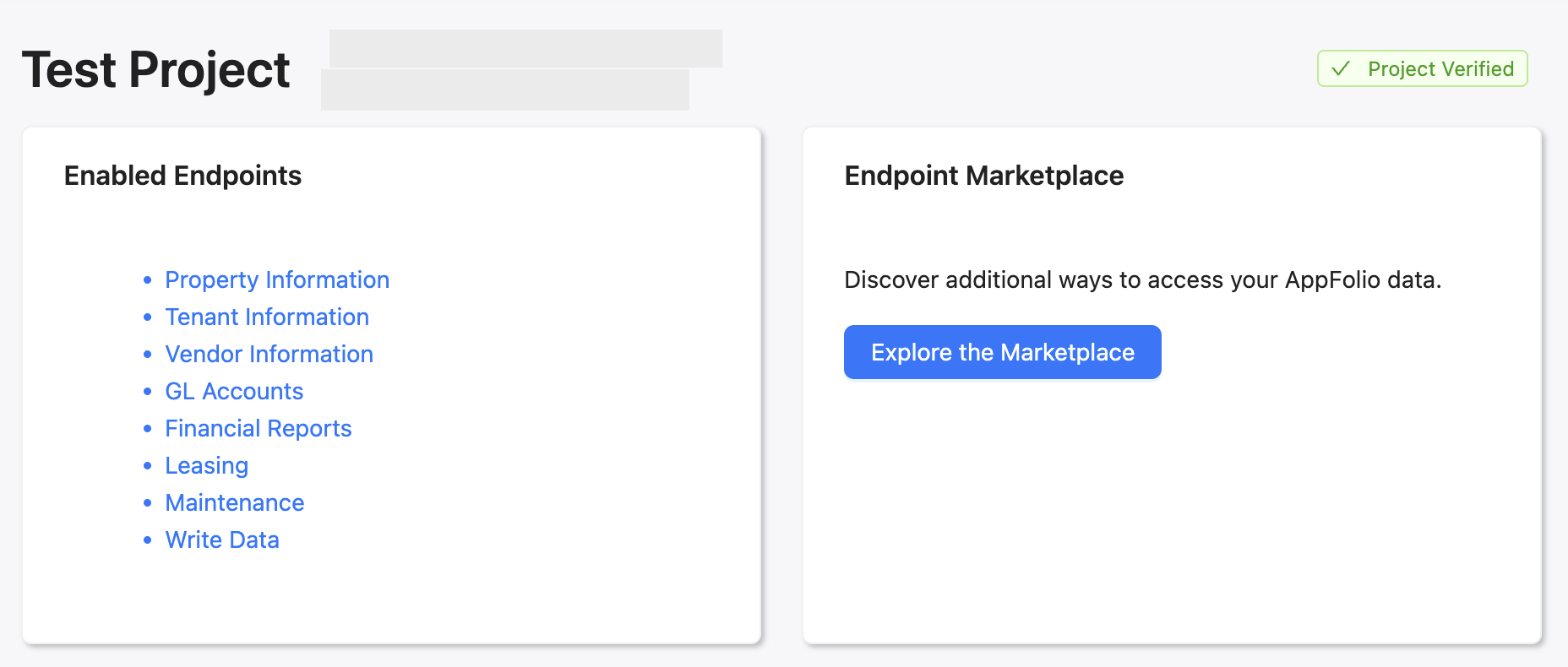
Clicking into a project shows its configuration, connection status, and associated resources.
Endpoints
Every endpoint is available to an active project as soon as it is verified; there is nothing to enable per project. What a request can reach is set on the API key that makes it: each key carries read: and write: scopes for the data types it may call. See Get an API Key for the scope model and Endpoints & Data for every endpoint.
Account Settings
Manage your account details, billing, API Keys, webhooks, usage, and team members from the Account Settings page.
Activity & Usage
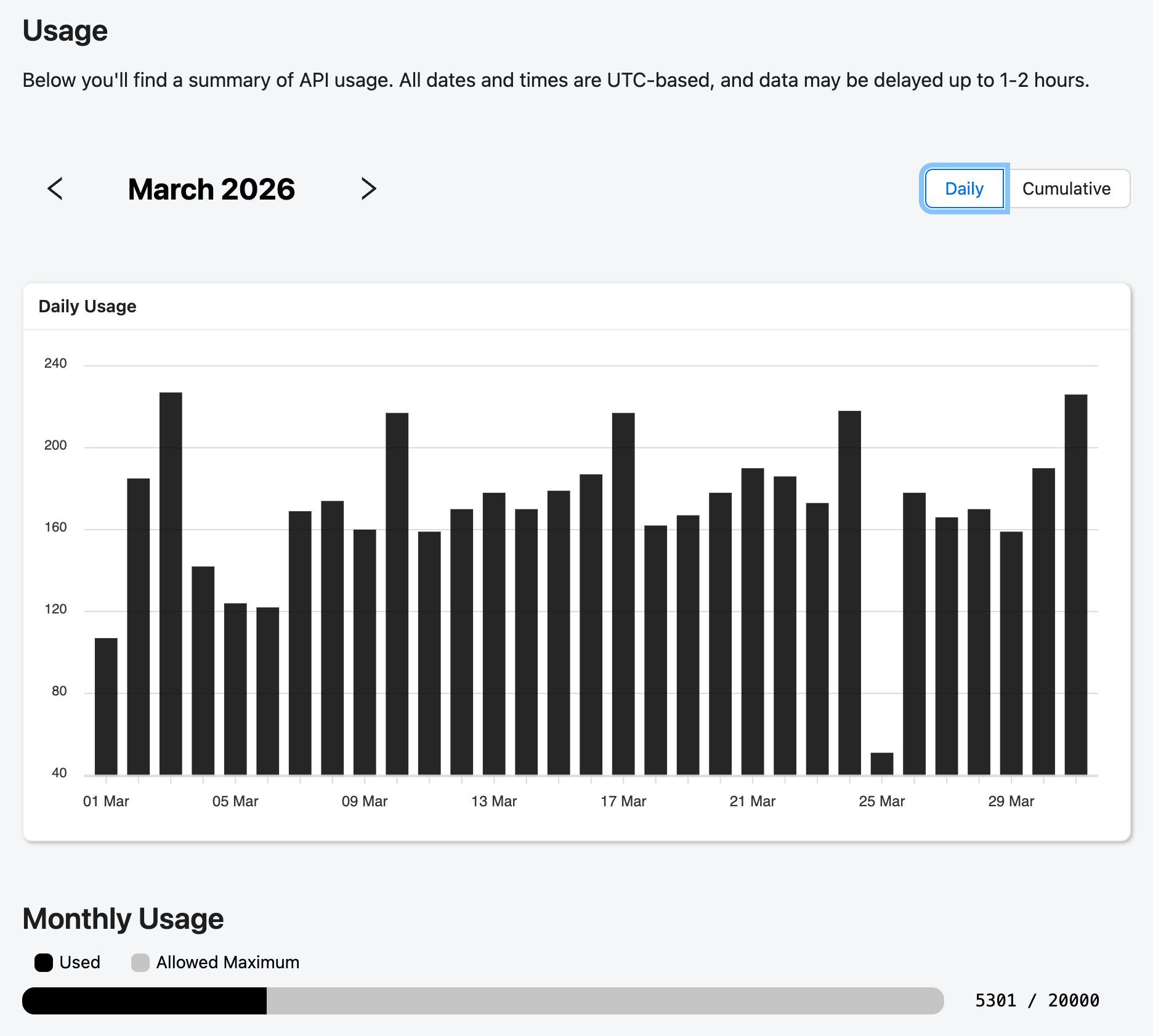
The Activity section shows your API usage.
API Keys
See Get an API Key for more about managing API keys.